ApexSketch v7 – How to Guides
A great place to get answers to many of your “how to” questions. The support documentation has been categorized to make it easier to find what you’re looking for!
General Reference
These documents are the best place to get you acquainted with the two tools and their associated shortcuts as you’re not wasting time hunting for common commands or functionality.

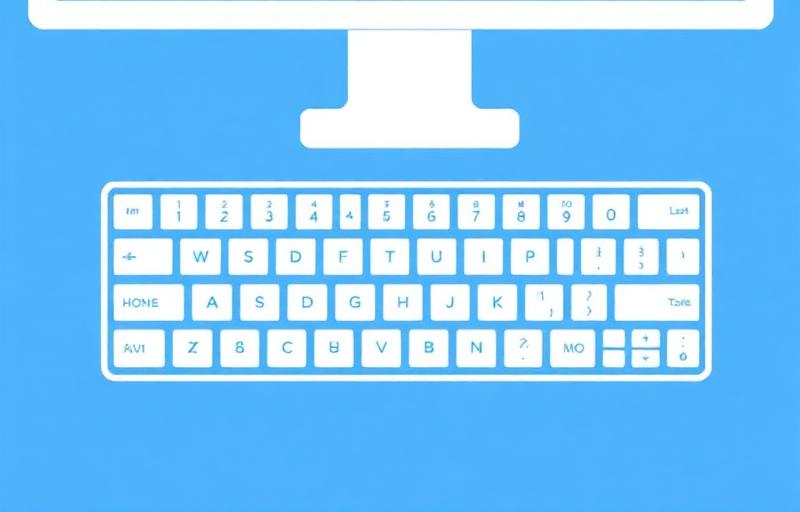
We highly suggest printing the Shortcut Key reference page for quick reference!
Download PDFDraw First Workflow
ApexSketch v7 has introduced a new approach to creating floor plans that breaks away from the more rigid process of defining and drawing a single area at a time. This “Draw Anywhere, Anytime” approach may seem a little unorthodox at first – but the vast majority of users who have tried this method have never once looked back due to the speed and time savings!
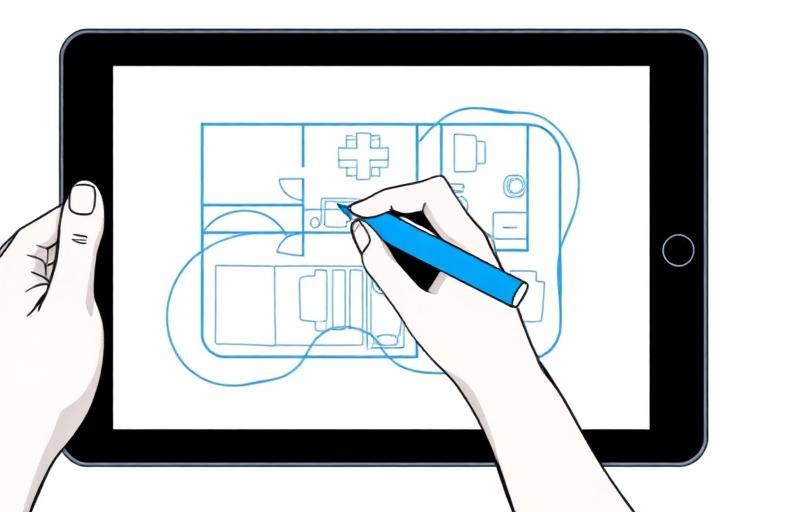
Describes how to “auto subtract” an area while in the Draw First setting.
Download PDFDefine First Workflow
Although the modern drawing methods can save you time, we understand muscle memory, so with keeping things familiar – ApexSketch v7 brings forward the Legacy Drawing method that allow users to draw first all they have to do last is annotate.
Other Help Topics
When it comes to editing, no other sketching app does it better than Apex!